
CatalogLens for Shopify
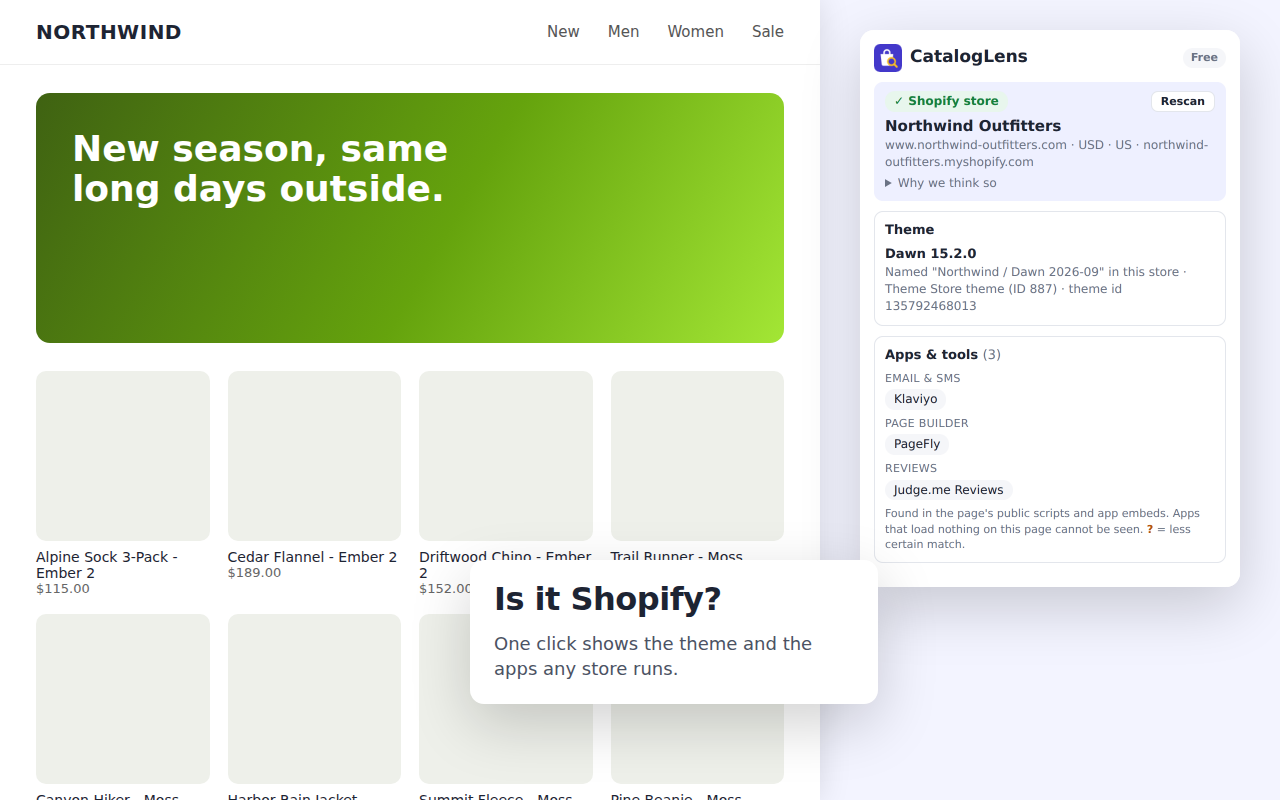
See any Shopify store's theme, apps and catalog, and export its products to CSV.
Coming soon to the browser stores.
How it works
- Open any online store.
- Click the CatalogLens button.
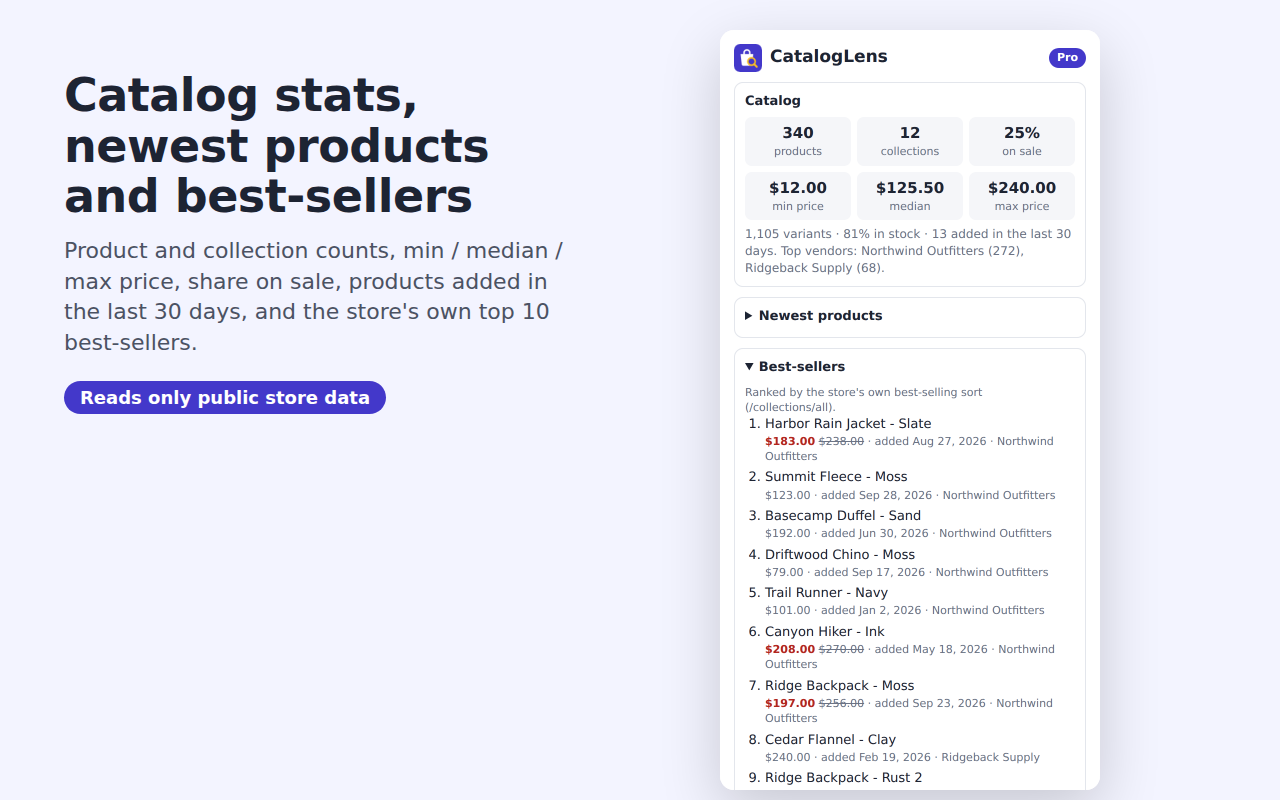
- See whether it runs on Shopify, its theme, apps, product count, prices and newest products, then export the catalog.
What you get
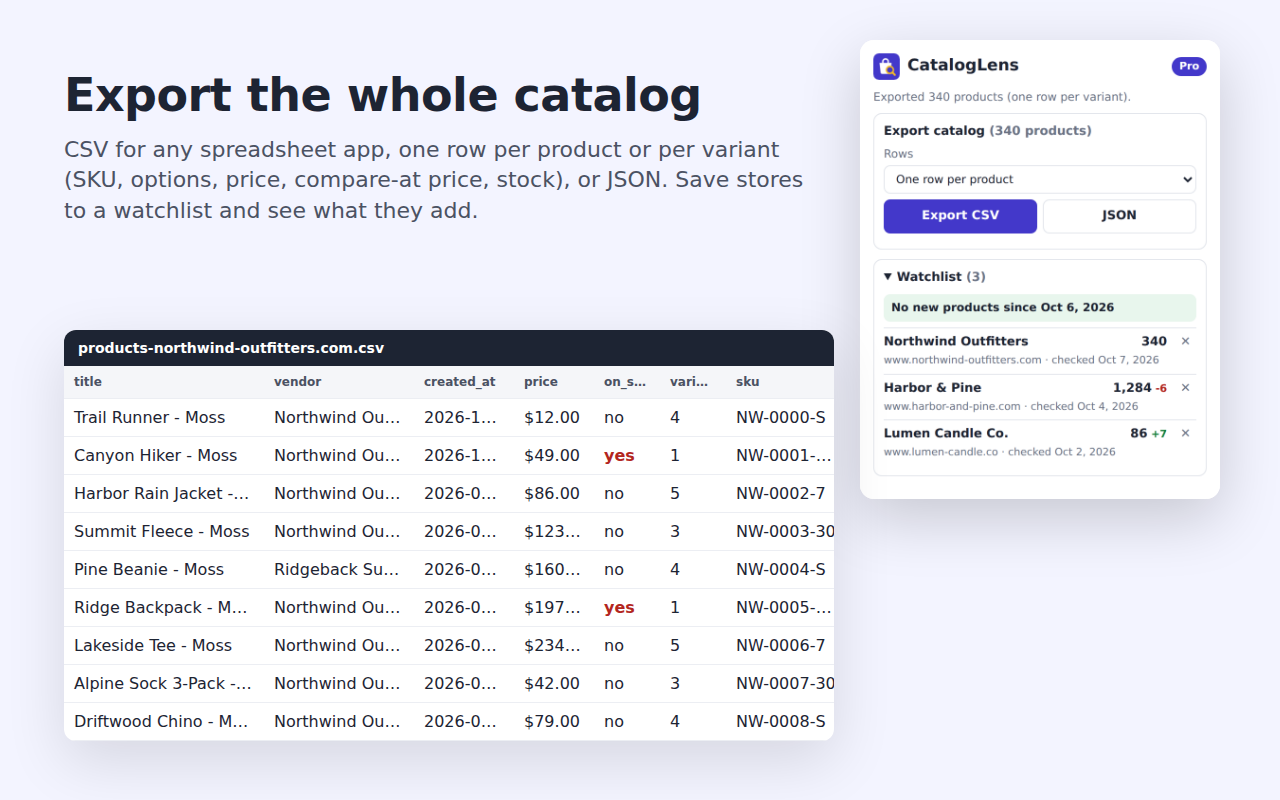
Title, URL, vendor, type, tags, dates, price range, compare-at price, discount, stock, options, image link and description. Pro adds one row per variant with SKU and availability.
Pricing
Free
- Shopify check, theme, apps and catalog stats
- Newest products
- CSV of up to 100 products
Pro
$19.99 once, no subscription
- Unlimited export (thousands of products)
- One row per variant with SKU, price and stock
- JSON export
- The store's top 10 best-sellers
- Watchlist: see how many products a store added since your last check
Buy CatalogLens for Shopify Pro, $19.99 once
Secure checkout by Gumroad. Card or PayPal. Your key arrives on the next screen.
After paying, your license key appears on the receipt and in your email. Open the extension, paste it into "Paste license key" and click Activate. Works on up to 3 browsers.
Who uses it
Dropshippers and product researchers, Shopify agencies sizing up a prospect, app makers and anyone comparing prices across stores.
Privacy
Everything runs in your browser. No account, no tracking, and your data never passes through our servers. Read the privacy policy.
Questions
Does it work on stores that aren't on Shopify?
It tells you whether a store runs on Shopify. Theme, app and catalog details are only available for Shopify stores.
How many products can it export?
Free exports up to 100 products. Pro exports the full catalog, including stores with thousands of products, with one row per variant.
Where does my data go?
Nowhere. The extension reads public store data in your own browser and saves the file on your computer. Nothing passes through our servers.
Is it a subscription?
No. You pay once and Pro is yours, including future updates.
How do I unlock Pro after paying?
Your license key is shown on the receipt page and emailed to you. Open the extension, paste the key into "Paste license key" and click Activate.
Can I use it on more than one computer?
Yes. One key works on up to 3 browsers, for example your work and home computers.
I lost my license key. Where do I find it?
Search your email for the receipt, or sign in to your Gumroad library with the email you paid with. The key is on the receipt.
Does it work in Brave, Edge or Opera?
Yes. It installs from the Chrome Web Store into any Chromium-based browser.
CatalogLens for Shopify is an independent tool and is not affiliated with or endorsed by Shopify Inc.